
You open your browser to check a professional message, you type the address of the academic webmail, and the page that appears asks for your credentials. Before even entering them, a question deserves to be asked: is this page really the one for the Academy of Versailles? The academic messaging system id.ac-versailles.fr remains the daily entry point for nearly one hundred thousand agents, and its security depends as much on the infrastructure as on your reflexes.
Recognizing the real Arena portal and thwarting a phishing attempt
Phishing campaigns targeting Education National agents faithfully reproduce the appearance of the Arena portal. The goal is simple: to retrieve your username and password by making you believe you are on the official site.
To verify that you are in the right place, look at the address bar of your browser. The URL must start with https://id.ac-versailles.fr. Any domain that deviates from this, even by one letter (ac-versaille.fr, ac-versailles-edu.fr, id-ac-versailles.com), indicates a fraudulent copy.
The padlock displayed by the browser confirms that the connection is encrypted, but it does not prove the identity of the site. A phishing site can also have an HTTPS certificate. It is the domain name that counts, not just the padlock.
Did you receive an email inviting you to “verify your account” or “update your information”? Do not click on the link contained in the message. Open a new tab and type the address of the portal yourself. This reflex is enough to neutralize the majority of attempts.
The Academy of Versailles has an official page dedicated to messaging on its own site (ac-versailles.fr). This institutional entry point should be prioritized over third-party guides or sometimes misleading search engine results. A complementary resource helps to better understand how to access the webmail id.ac-versailles.fr with confidence.
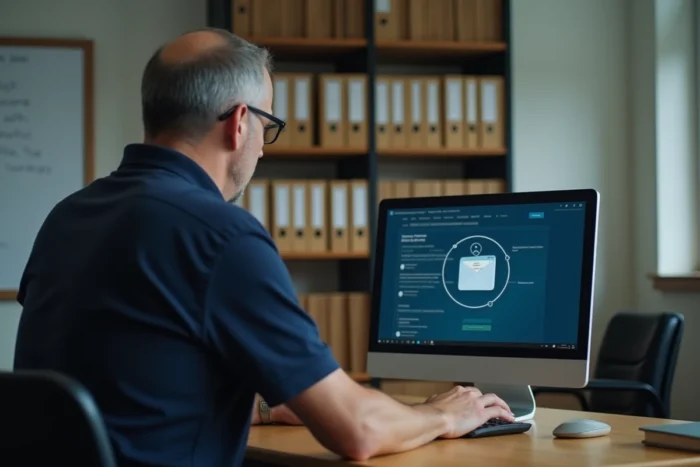
Logging into webmail via Arena authentication: the concrete process
The Arena portal centralizes access to most digital services of the Academy of Versailles. Professional messaging, i-Prof, Colibris, m@gistère: one username opens multiple services without multiplying passwords. This is the principle of single sign-on.
Your username generally takes the form of a shortcut consisting of the first letter of your first name followed by your last name (format “pnom”). The complete email address follows the pattern [email protected]. In case of homonymy, a number may be added to the username.
Steps to reach your inbox
- Open your browser and directly enter https://id.ac-versailles.fr/arena/ in the address bar, or go through the messaging page of the site ac-versailles.fr.
- Enter your academic username and password on the authentication page.
- Once logged into the Arena portal, locate the “Personal Space” section and then click on “Webmail” to access your messaging.
- If you use an external email client (Thunderbird, Outlook), configure the incoming server as IMAP to synchronize your messages across multiple devices.
You arrive at your inbox. The interface allows you to read, send, and organize your professional emails. Filters and signatures can be set directly from the webmail.
Security of the academic account: the gestures that change everything
The security of your account does not rely solely on the initial password assigned by the academy. Changing this password at the first login remains the most effective measure.
A strong password combines at least three types of characters: uppercase letters, lowercase letters, numbers, and special characters. Avoid passwords related to your identity (name, date of birth, institution). If you use the same password for other services, change it immediately: a reused password is a compromised password.
Checking connections and authorized devices
Regularly check the login history when your interface offers it. A login from an unknown IP address or an unusual time may indicate unauthorized access.
If you configure your messaging on a phone or tablet, ensure that the device is protected by a lock code. A phone without a lock that contains your IMAP account provides direct access to all your professional messages.

Lost password or blocked account: available remedies
The Academy of Versailles provides a self-service interface called Macadam. This tool allows you to reset your password without contacting support, provided you have previously registered a backup email address or phone number.
If Macadam does not resolve your issue, the CARIINA IT support platform takes over. Contact can be made by phone or via a form, according to the time slots indicated on the academy’s website.
- Before calling, prepare your academic username, your NUMEN, and the name of your institution.
- Describe the problem precisely: account blocked after several attempts, password denied, or access impossible to Arena.
- If you suspect a compromise (email sent without your knowledge, password changed without your intervention), explicitly report it to support so that a verification can be initiated.
The storage quota of your mailbox is limited. When it is reached, new messages are rejected by the server. Regularly delete large attachments or archive them locally to free up space. A full quota blocks receipt without a visible warning in the sending interface.
Keeping an academic account functional relies on three simple habits: checking the portal address before each login, maintaining a unique and robust password, and monitoring the storage space of the mailbox. These gestures take a few seconds and prevent blocks that can last several days.